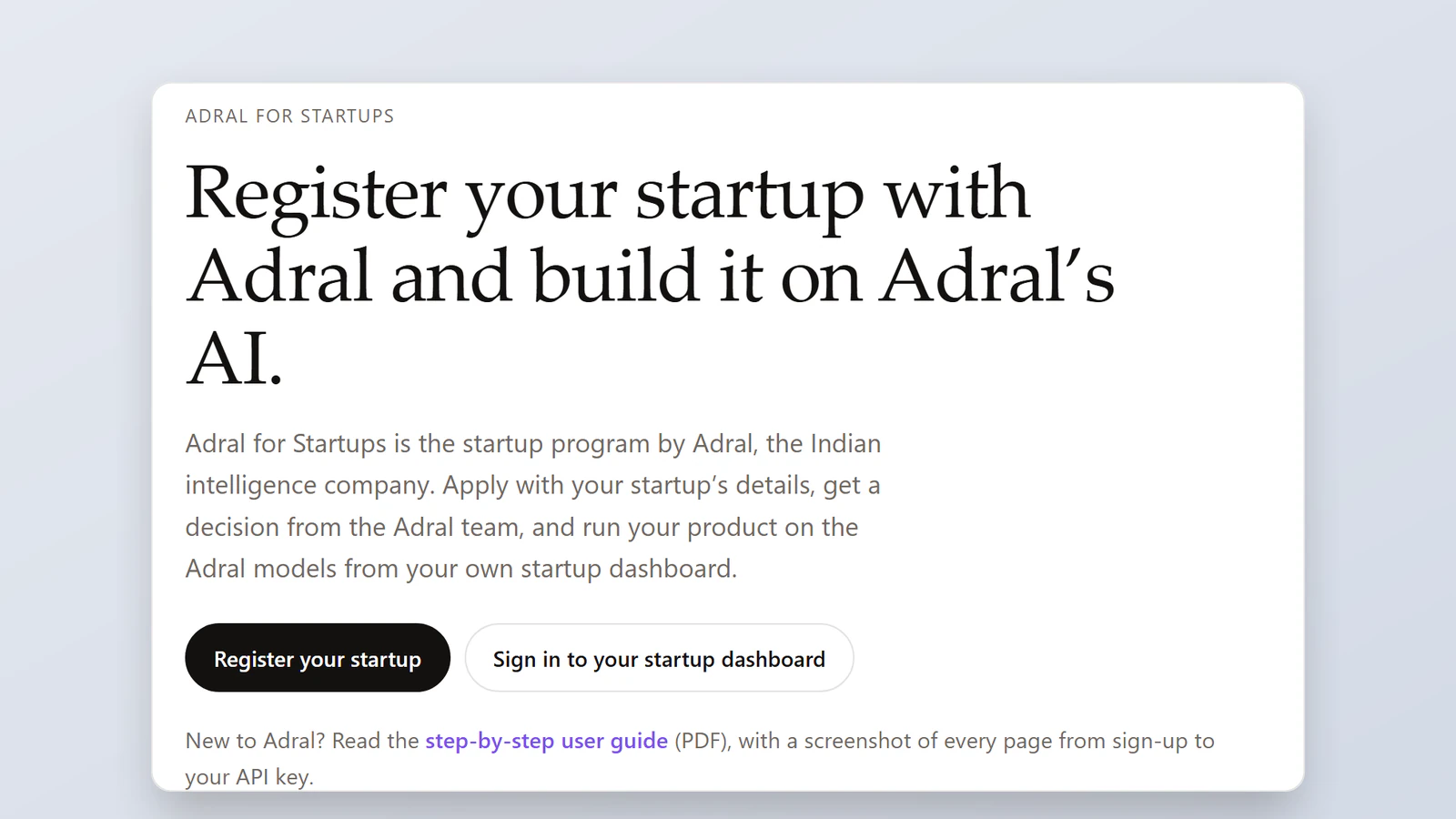
Short answer: Adral for Startups is Adral’s programme for founders. Applying is free and takes a few minutes, and it is open to startups at any stage, from idea to Series B and beyond. The Adral team reviews every application. Approved startups get a startup dashboard with their plan, token balance, daily limit and workspace, and an API key for their startup.
This guide summarises the programme as published on adral.ai/startups and in its API guide, as of 20 November 2026.
Who it’s for
Founders building a startup, whatever the stage. The application accepts companies at the idea stage, pre-seed, seed, Series A and Series B or later, and bootstrapped companies too. Teams can be anything from a single founder to more than fifty people, in any industry. It suits founders whose product depends on AI, whether that’s reasoning, code, long documents, security work or agents that finish tasks.
What you get
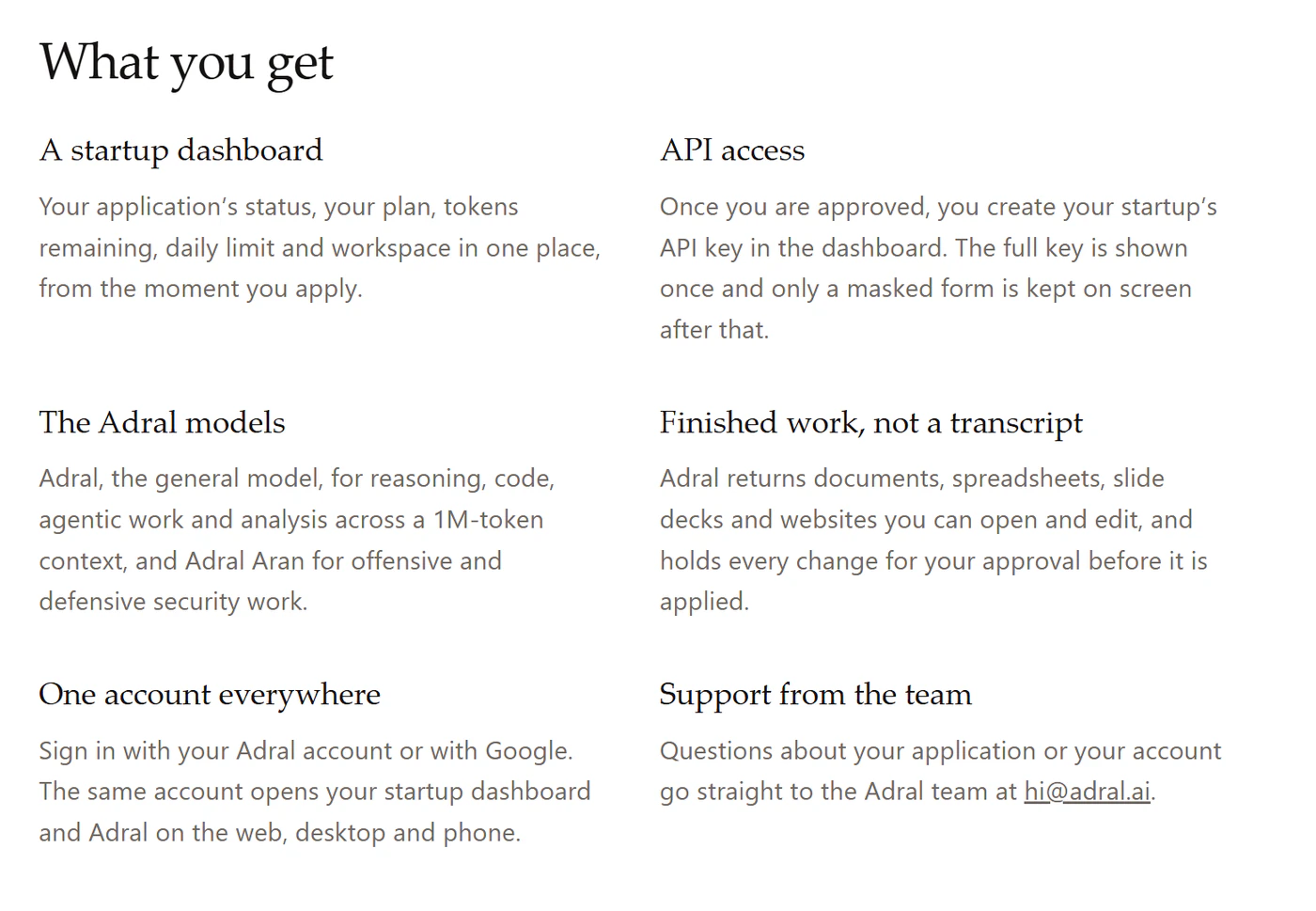
- A startup dashboard showing your application’s status, your plan, tokens remaining, daily limit and workspace, from the moment you apply.
- API access: once approved, you create your startup’s API key in the dashboard.
- The Adral models: Adral, the general model, and Adral Aran for security work.
- Finished work, not a transcript: documents, spreadsheets, slide decks and websites you can edit, with every change held for your approval.
- One account everywhere: sign in with your Adral account or with Google, on the web, desktop and phone.
- Support from the team for questions about your application or account.
How to apply, step by step
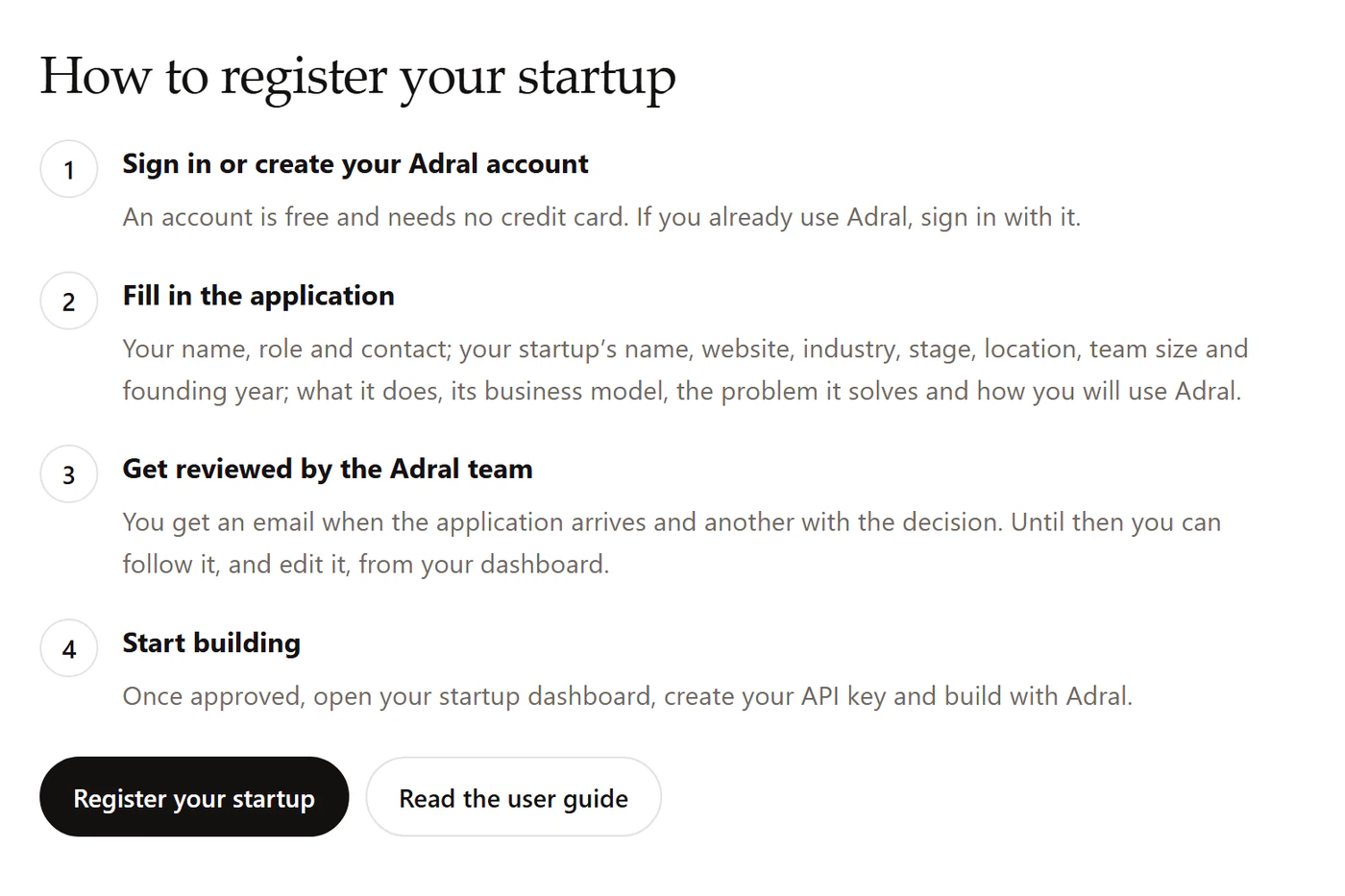
- Sign in or create your Adral account. An account is free and needs no credit card. If you already use Adral, sign in with it.
- Fill in the application. It asks for your name, role and contact; your startup’s name, website, industry, stage, location, team size and founding year; and what it does, its business model, the problem it solves and how you will use Adral.
- Get reviewed by the Adral team. You get an email when the application arrives and another with the decision. Meanwhile you can follow it, and edit it, from your dashboard.
- Start building. Once approved, open your startup dashboard and create your API key.
About the API key
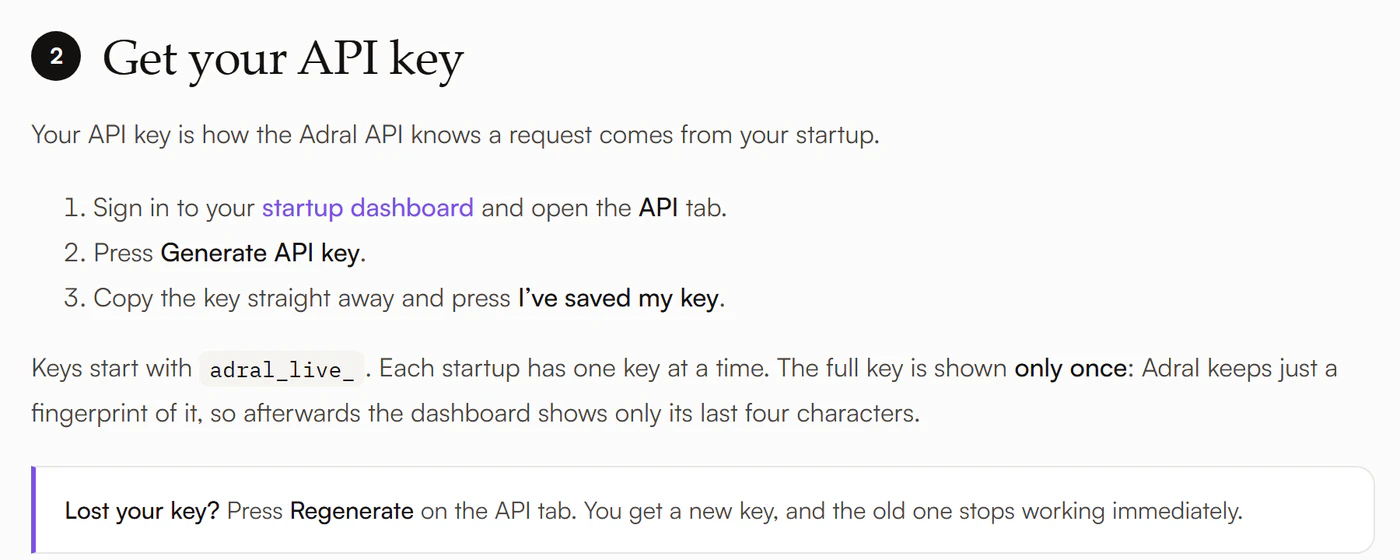
Approved startups create their key on the API tab of the dashboard. Keys start with adral_live_, and each startup has one key at a time. The full key is shown only once, so copy it straight away. If you lose it, press Regenerate: you get a new key and the old one stops working immediately.
Good to know: the Adral API is not open to startup keys yet, and the launch date hasn’t been announced. You can create your key today, and it starts working the day the API opens. The guide lists the Startup plan’s API limits as 60 requests a minute and 10 million tokens a month, and your dashboard always shows the limits that apply to you.
After you apply
- While it waits for review, you can edit your application from the dashboard.
- After approval, choose Request a change and the Adral team updates it for you.
- The decision is final, and a rejection comes with the reason.
Tips for a clear application
- Name the problem your startup solves in one or two plain sentences.
- Be specific about how you will use Adral: which model, for which part of your product.
- Add your website and keep your contact details current, so the decision email reaches you.
Frequently asked questions
Is it free to apply to Adral for Startups?
Yes. Creating an Adral account is free and needs no credit card, and there is no fee to apply.
Who can apply?
Founders building a startup at any stage, from idea and pre-seed to Series B and beyond, bootstrapped or funded, with teams from a single founder to more than fifty people.
What do approved startups get?
A startup dashboard with your plan, tokens remaining, daily limit and workspace, where you also create your startup’s API key, plus the Adral models and support from the Adral team.
Is the Adral API open now?
Not yet. You can create your key now, and it starts working the day the API opens.
Can I use my existing Adral account?
Yes. Adral for Startups uses your ordinary Adral account, so one sign-in opens your startup dashboard and the rest of Adral.
Ready? Register your startup on adral.ai/startups.
Related: AI for small businesses in India · What is MCP? · AI prices in India