Short answer: A good brief tells Adral three things: what you want, what it should contain, and what “done” looks like. Write it the way you would brief a capable colleague — plain English, no special syntax — and attach the files you already have.
Adral can only build what you describe. A vague request gets a generic result or a round of questions; a clear brief gets a finished first draft. This tutorial shows the one rule behind every good brief, how to adapt it for each Adral tool, and a quick check before you press send.
The one rule: what, contains, done
Every brief, for every Adral tool, comes down to three parts:
| Part | What to write | Example |
|---|---|---|
| What you want | The outcome, in one sentence | A one-page website for our filter-coffee café in Pune |
| What it should contain | The sections, data or screens — named | Menu with prices, opening hours, a map, a WhatsApp order button |
| What “done” looks like | Length, format, audience, quality bar | Works on phones and is ready to share by link |
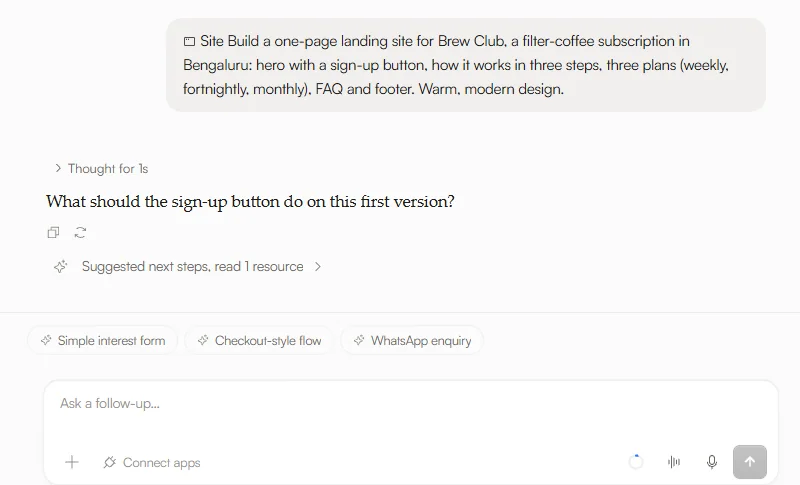
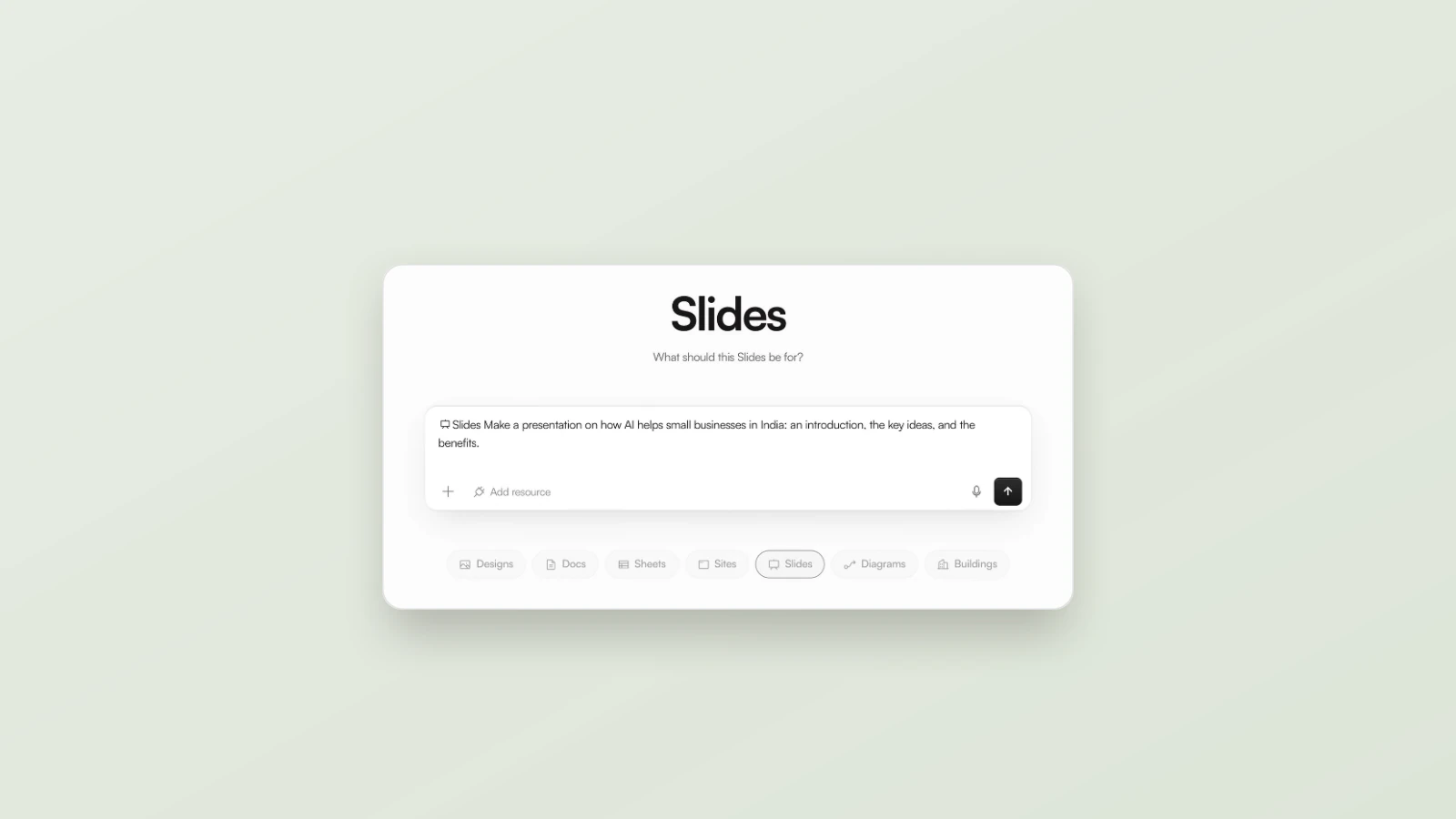
The difference is not length. The clear brief is only three short lines — but each line removes a guess.
Adapt it to the tool
The rule stays the same; what you name changes with the tool. These habits come from Adral’s official full-stack playbook:
| Tool | Name explicitly | Good habit |
|---|---|---|
| Workspace | Every screen and every piece of data | One change per message |
| Agent mode | The shape of the output you want back | Ask for a link behind every number; test with a numbered pass/fail script |
| Adral Code | The stack you want used | Ask for a plan before code; close every step with tests and a commit |
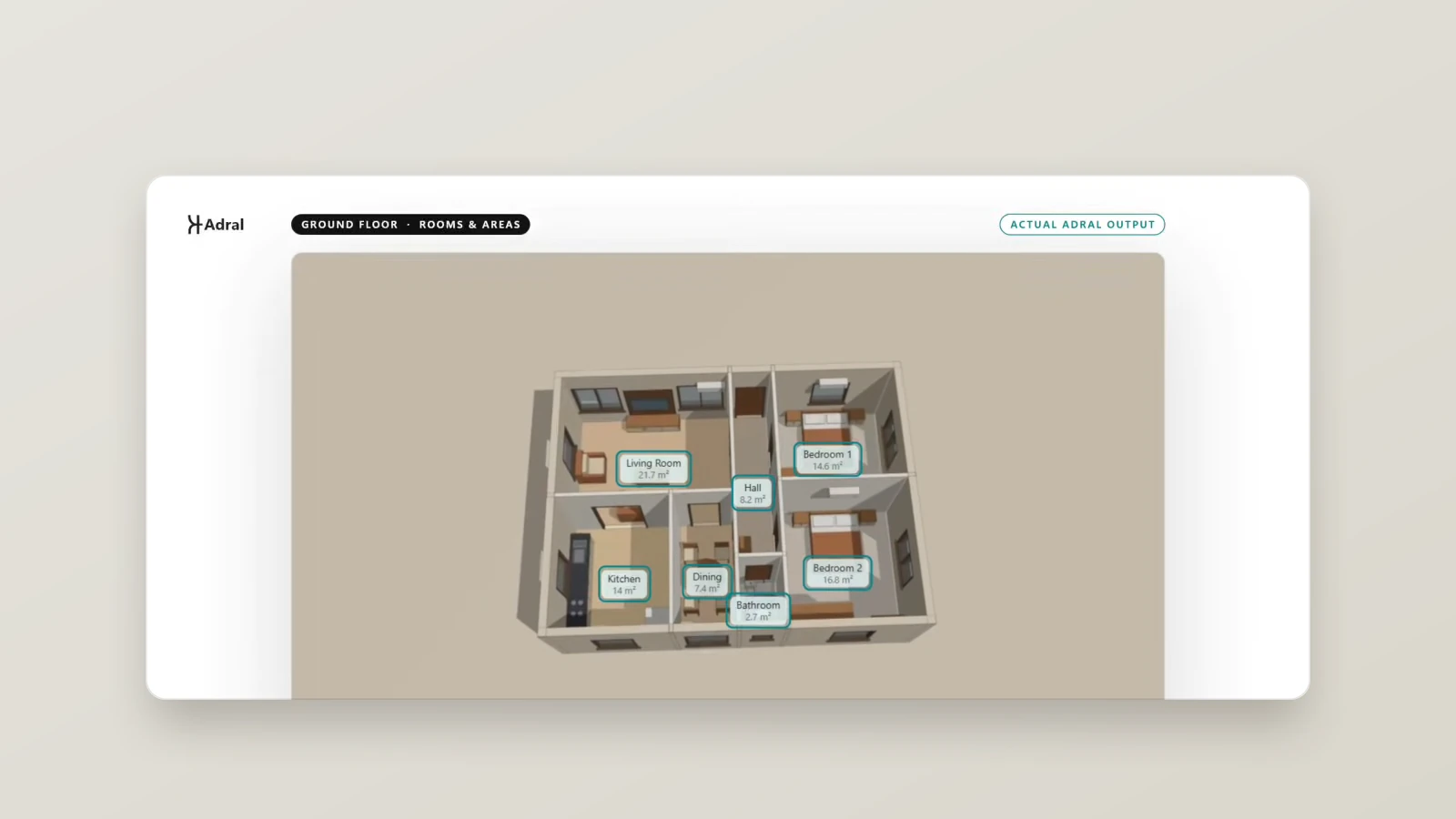
| Buildings | The brief file and the outcome you need | Attach your brief (.docx) and say what output you will review |
For example, the Architecture demo attaches a Word brief and asks: “Create an architectural concept from this project brief. Follow the stated requirements and provide an output that can be reviewed and edited.” What, contains and done — in two sentences.
Attach what you already have
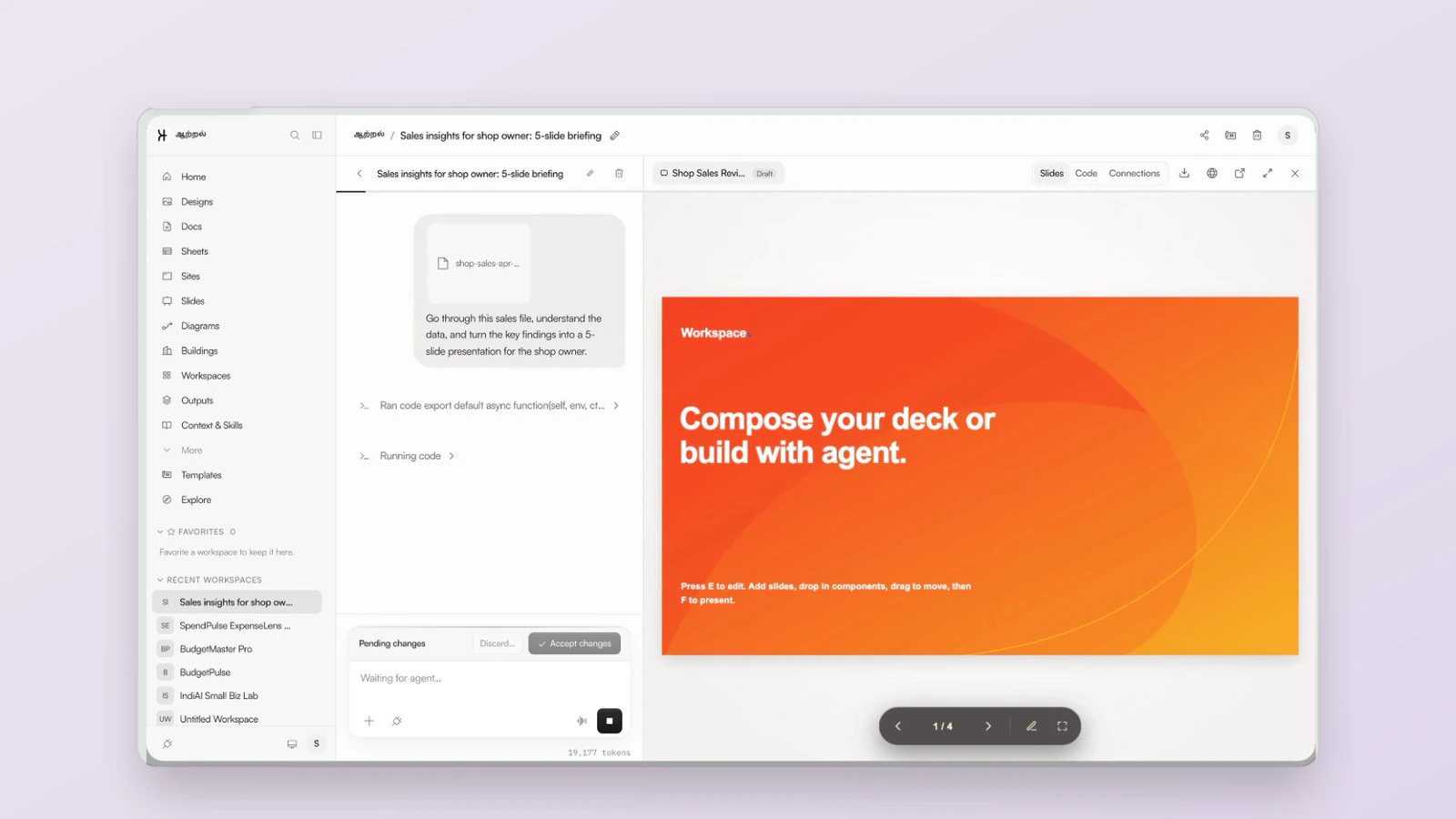
Your brief does not have to repeat what is already written down. Attach the existing document with + → Upload file and point to it: “Follow the room list in the attached brief.” In the Buildings demo the brief was a Word (.docx) file — PDF input is not supported there.
Before you send: a 20-second check
- Could someone else build it from this? If a colleague would need to ask a question, add the answer.
- Did you name things, not describe them vaguely? “Menu, hours, map” beats “the usual stuff”.
- Is “done” measurable? “One page, works on phones” can be checked; “make it good” cannot.
When the first result is not right
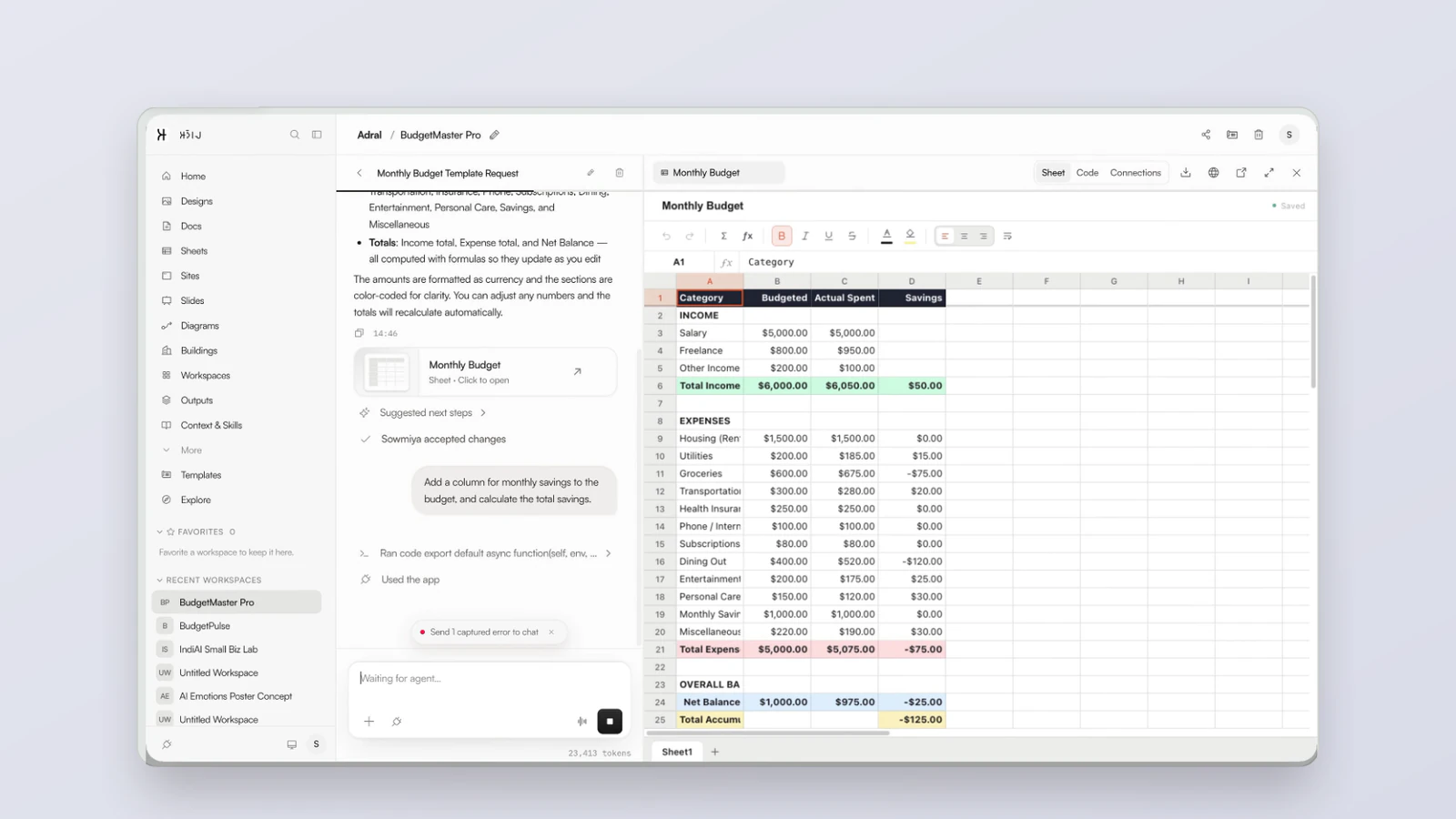
Do not stack small fixes on a bad draft. Adral’s playbook calls this the most important habit: undo, don’t patch — go back to the last good state and ask again, more precisely. And because Adral holds its work as a pending change, nothing is applied until you approve it.
Frequently asked questions
Do I need special syntax to brief Adral?
No. Write in plain English, the way you would brief a colleague. Clear and specific beats clever.
How long should a brief be?
As short as it can be while still saying what you want, what it should contain and what “done” looks like. Three clear lines often do the job.
Can I attach a file instead of typing everything?
Yes. Use + → Upload file and refer to the file in your request. In the Buildings demo, the brief was attached as a Word (.docx) file.
What if the result misses the brief?
Undo, don’t patch: go back to the last good state and ask again more precisely. Nothing is applied until you accept it.
Related: Checking AI output · What is a context window? · Getting started with Adral