Short answer: Before you accept anything Adral produces, check four things: it matches your brief, the names and dates are right, the numbers match their sources, and it works if it is meant to. Fix what is off with one precise request — then choose Accept changes.
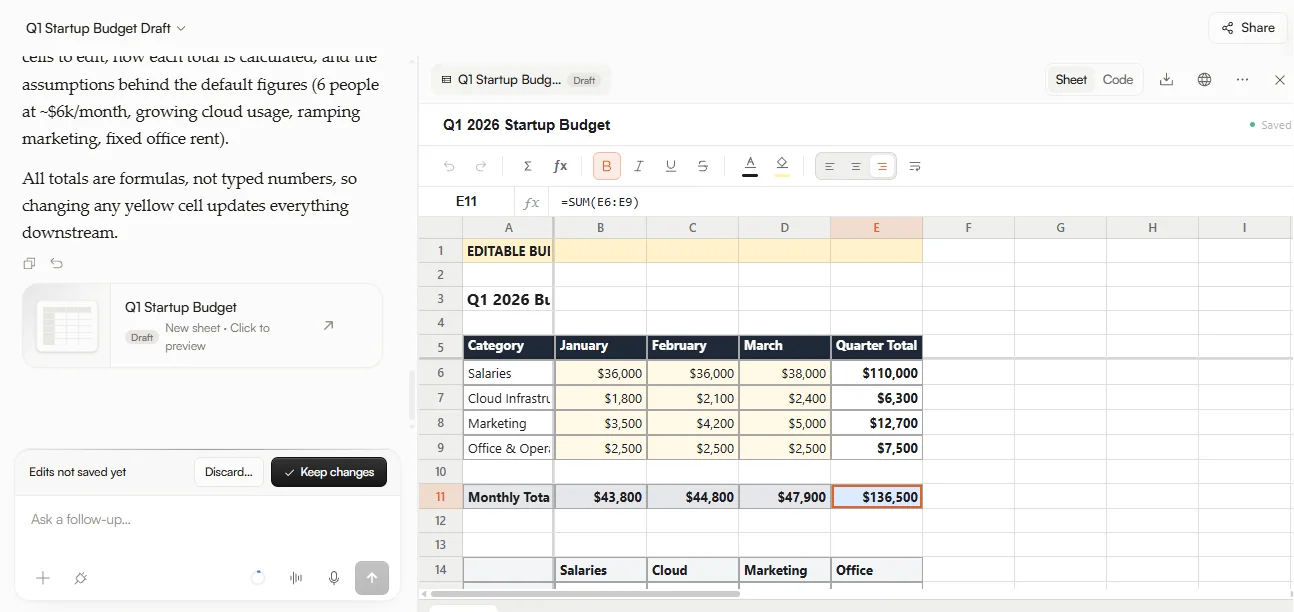
AI can make mistakes. Adral is built around that fact: everything it produces is held as a pending change until you accept it. That approval step is only as good as the review behind it — this tutorial is a simple way to do that review well.
The review pass
Work through the output in the same order every time. It takes a minute, and it catches most problems:
| Check | What to look for |
|---|---|
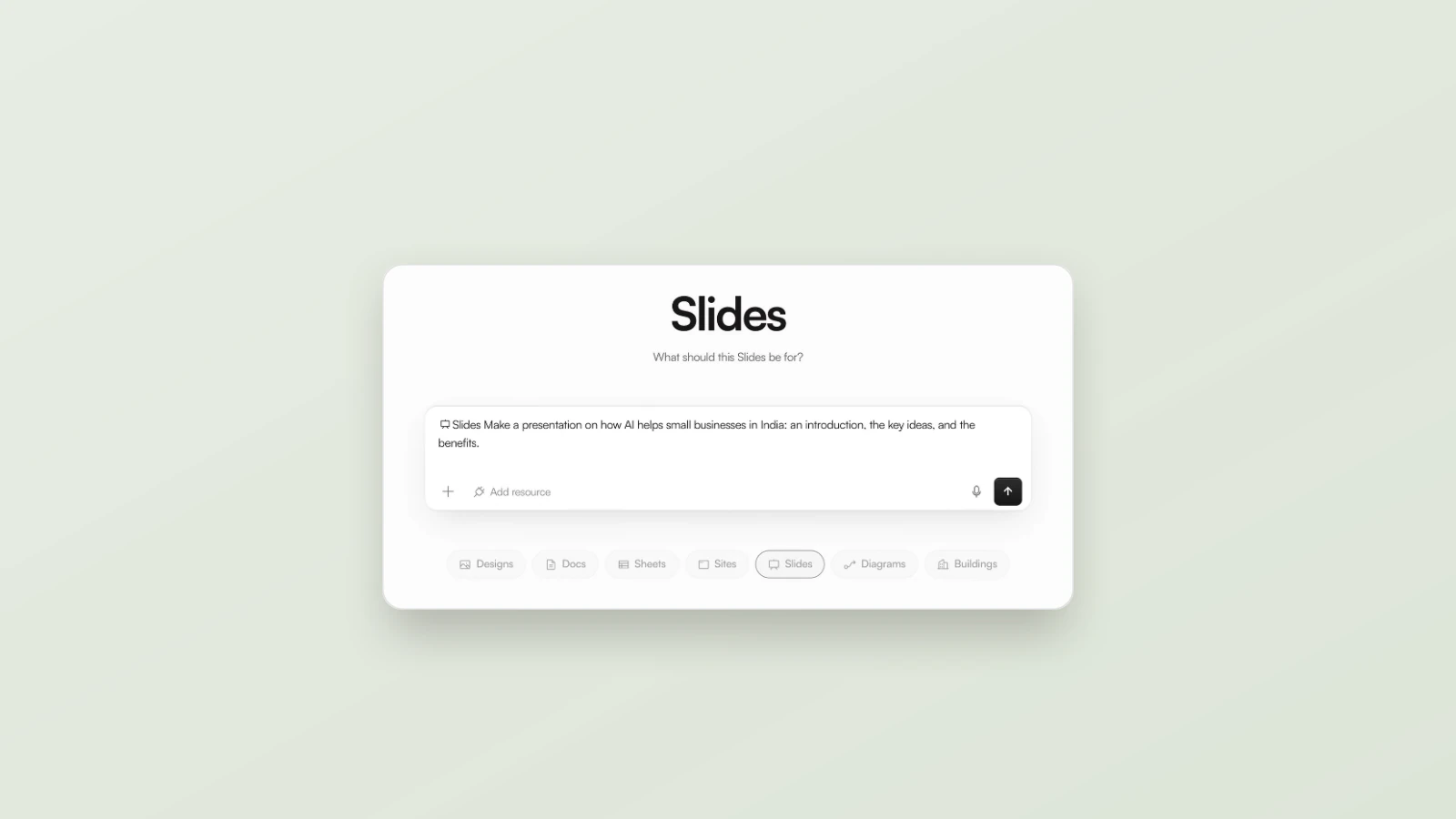
| 1. Matches the brief | Everything you asked for is there — and nothing you did not ask for |
| 2. Names and dates | People, places, dates and versions are correct |
| 3. Numbers against the source | Every figure can be traced to your data or a cited page |
| 4. It works | Code passes its tests; a site or prototype behaves as described |
Spot-check the sources
When Adral’s Agent mode researches the live web, ask for a link behind every number — then open a couple of them. Adral’s playbook recommends spot-checking two links before trusting the numbers, because prices change and a Bot can misread a page.
Check by the type of output
| Output | Quick checks |
|---|---|
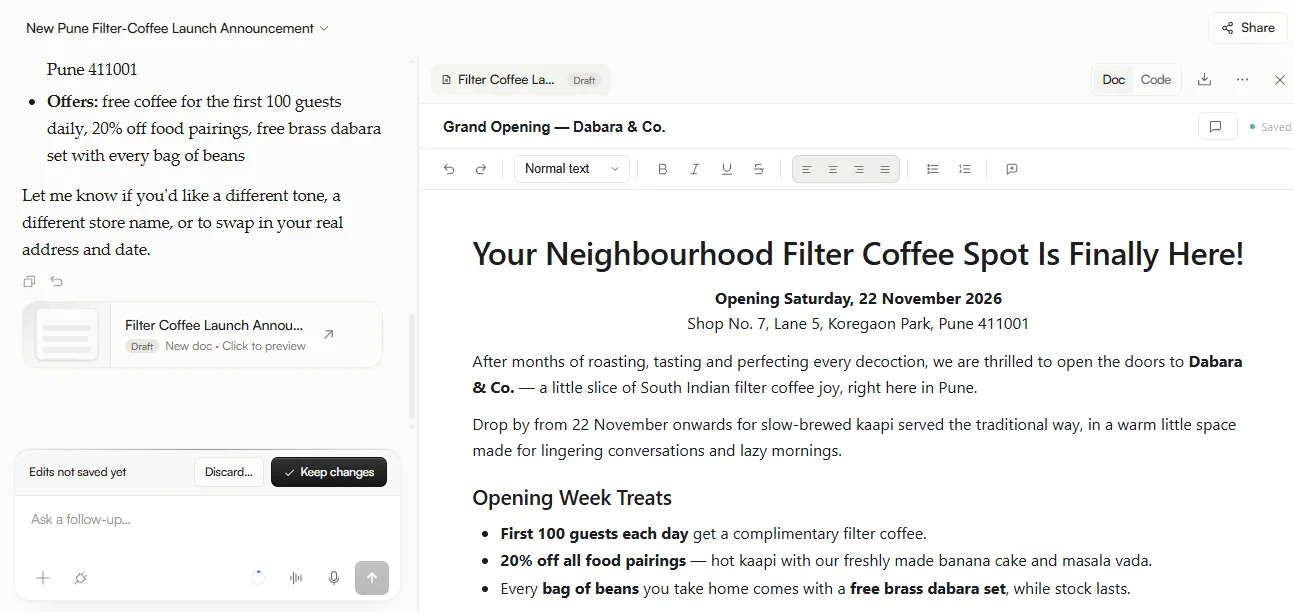
| Documents | Facts, names, dates and figures; tone and length match the brief |
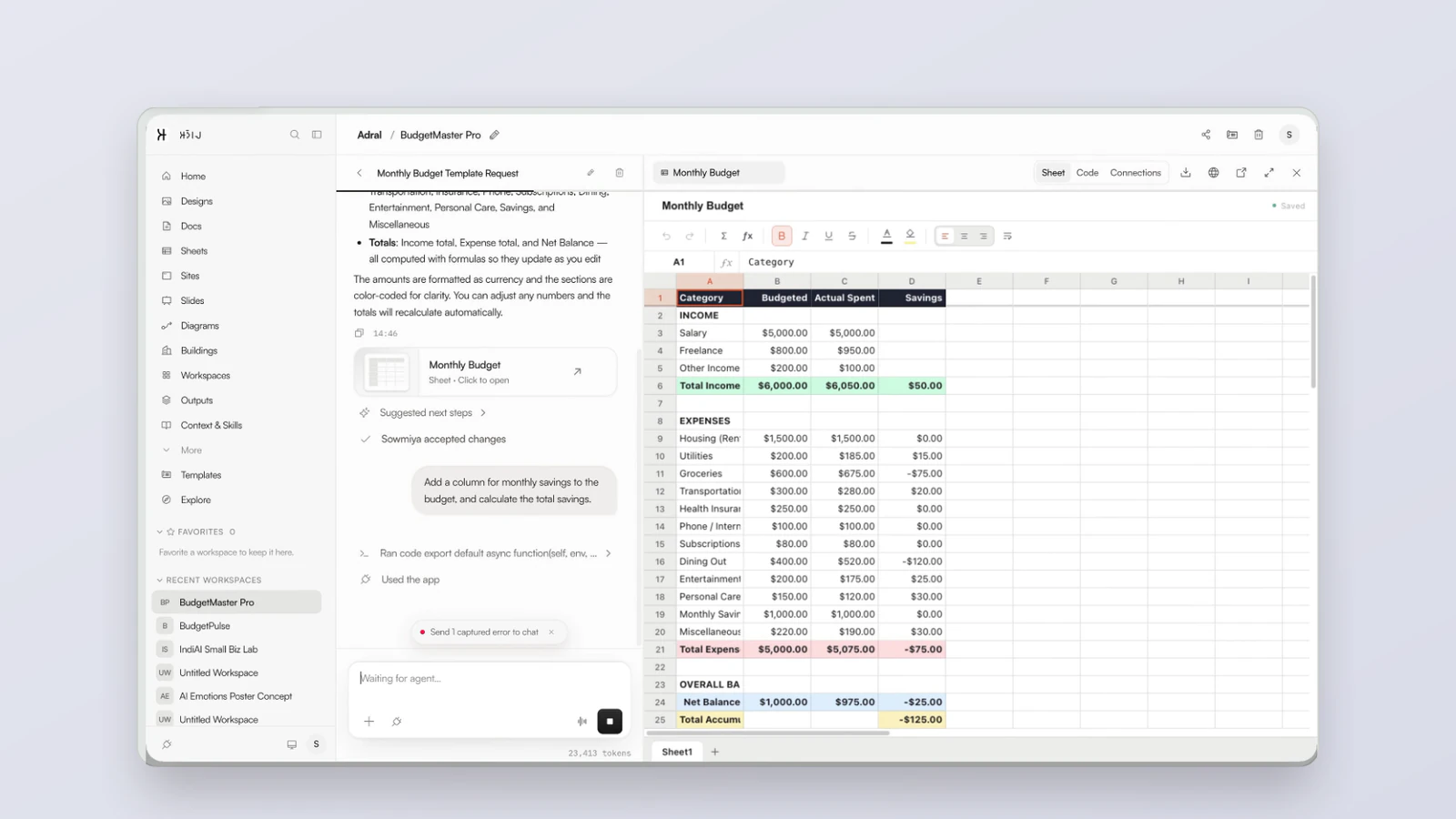
| Spreadsheets | Totals add up; numbers trace back to your source data |
| Research | Open two cited links; confirm the figure on the page itself |
| Code | Tests pass; walk the app like a user (Adral Code adds tests, a QA Bot can walk staging) |
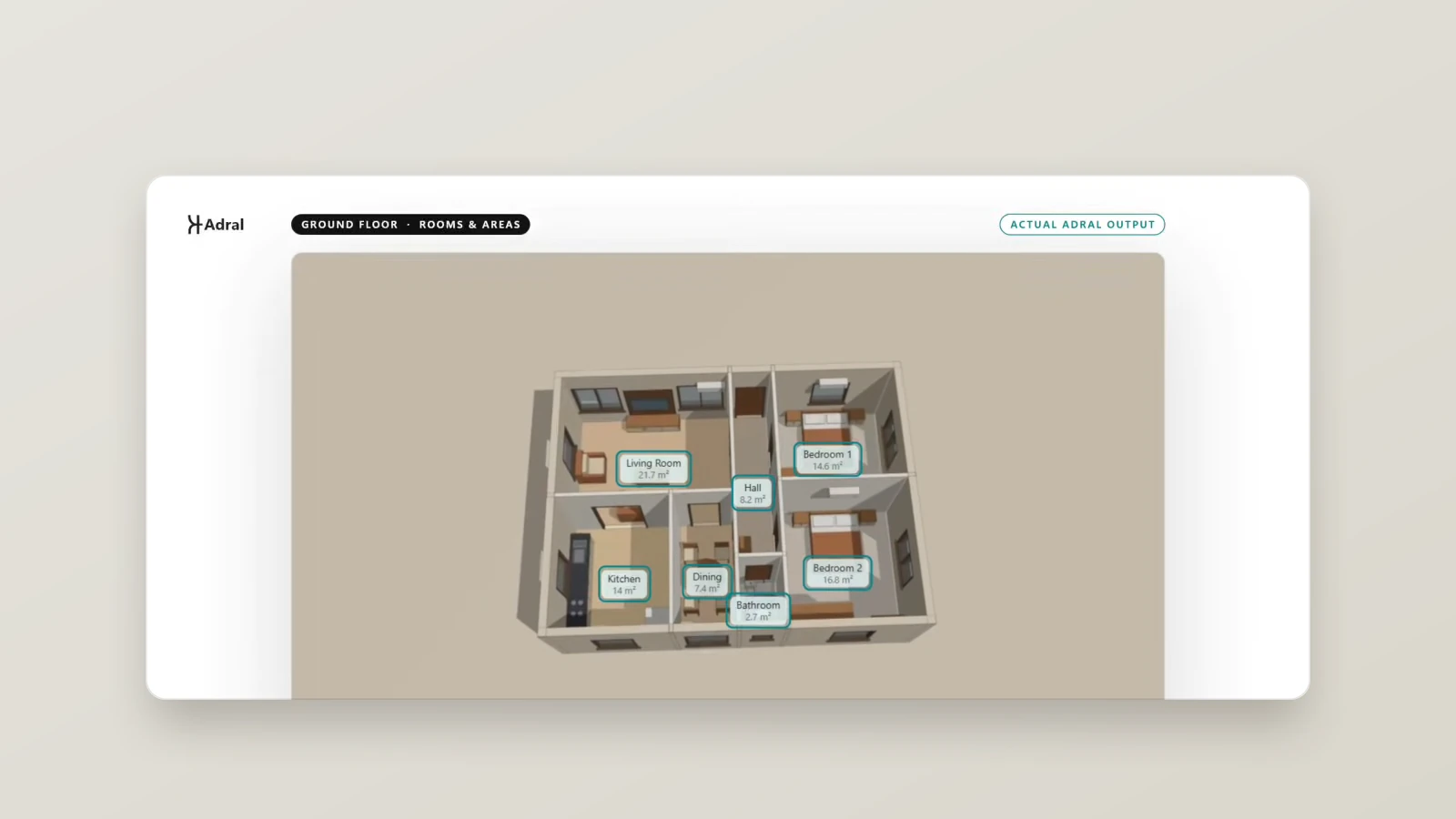
| Buildings | Review the plan, elevations, section, schedule and areas against the brief’s plot, setbacks and room list |
Fix it with one precise request
If something is wrong, say exactly what and where: “Use the menu-sheet price for filter coffee: ₹40.” One change per message keeps fixes easy to review. If the result has gone in the wrong direction, undo, don’t patch — go back to the last good state and ask again more precisely.
Then decide
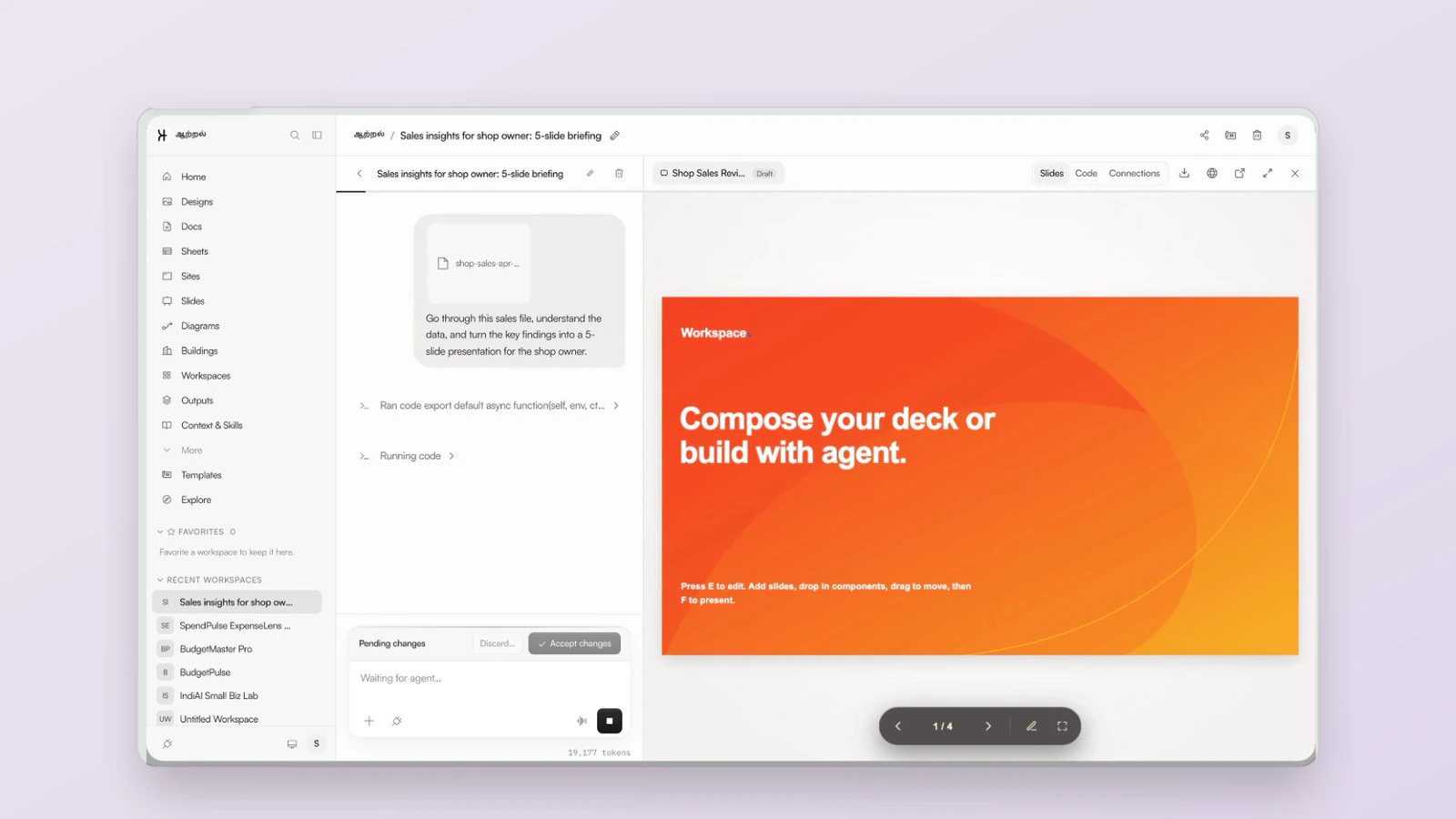
When the review is done, choose Accept changes to apply the work — or Discard to leave your work exactly as it was. Accepting is not the end of your control: everything Adral produces stays editable by hand afterwards.
Frequently asked questions
Why check AI output at all?
AI can make mistakes — a wrong figure, an outdated price, a misread page. Adral holds its work as a pending change so you can review it before anything is applied.
What should I check first?
Start with whether the output matches your brief, then names and dates, then numbers against their sources, then whether it works.
How do I check research from the web?
Ask for a link behind every number, then open at least two of those links and confirm the figure on the page itself.
What if I find a mistake?
Ask for one precise fix, or go back to the last good state and ask again more precisely. Nothing is applied until you choose Accept changes.
Related: Adral proposes. You approve. · Writing a good brief · What is a context window?